Try ReturnNexa — no sign-up
You get your own sample lost-and-found office: found items with photos, claims, a possible match, a message waiting for a reply, and handling tasks. Nothing you do here reaches anybody else.
Sample data only, deleted after 24 hours. Please do not enter real personal data. Emails are shown on screen, never sent.
What to try
- Log by Photo: pick a sample photo and watch the form fill itself in.
- On a phone, point the camera at an object: the live outline finds it before you take the picture.
- Possible Matches: a claim for a car key that the system has already paired with a found item.
- Claims: reply to a claimant's message, approve a claim, record a handover.
- Tasks: electronics get a “move to secure storage” task automatically.
- Gallery: Items and Claims switch between a photo Gallery and the full List — phones open on the Gallery.
- Disposal run: an item is past its holding period, ready to dispose of in one pass.
- The staff phone app: “Try the demo” on its first screen opens this same sample office, with Live capture and the Gallery.
AI identifies the sample photos with pre-made answers. To identify your own photos, sign up.
Try it on your phone
Scan to open this page on your phone — live capture works in the phone's browser, nothing to install. Or open the ReturnNexa staff app and tap “Try the demo”.
Sample photos
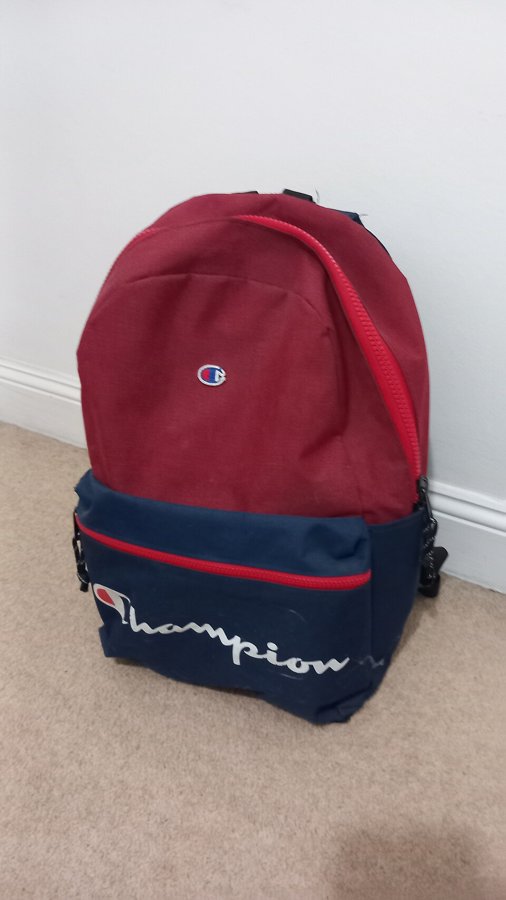
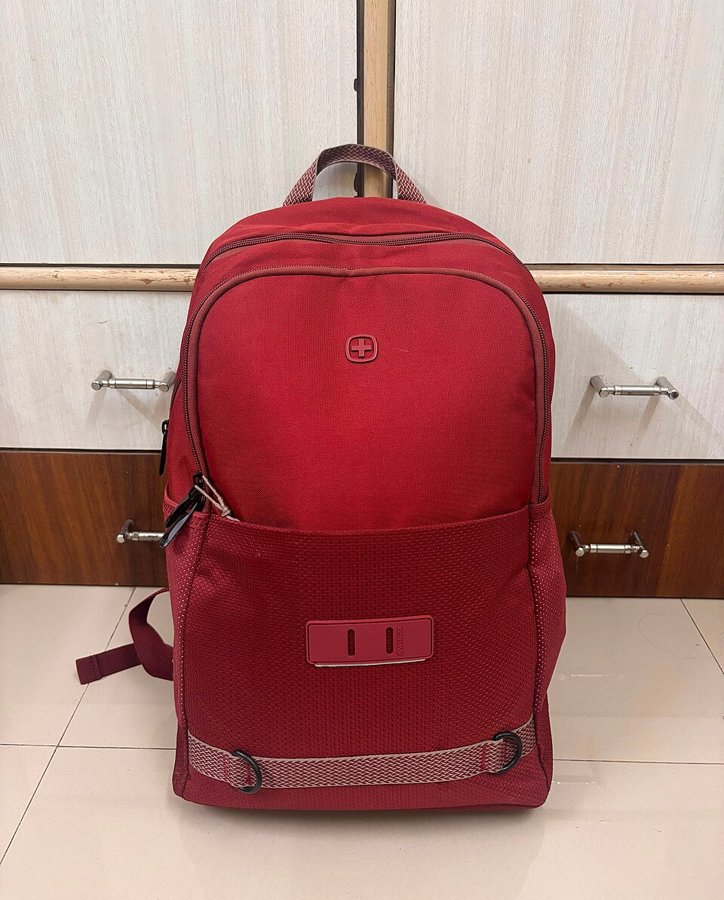
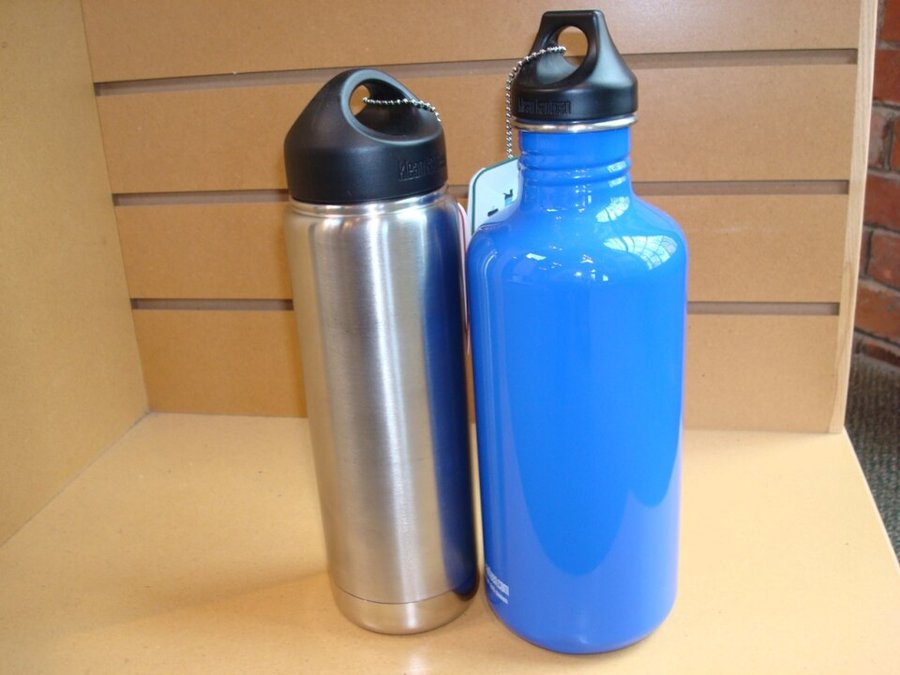
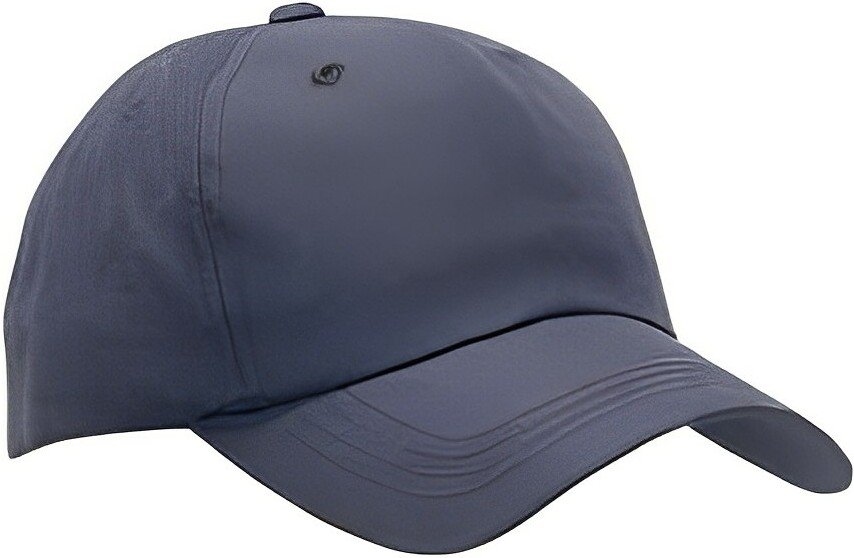
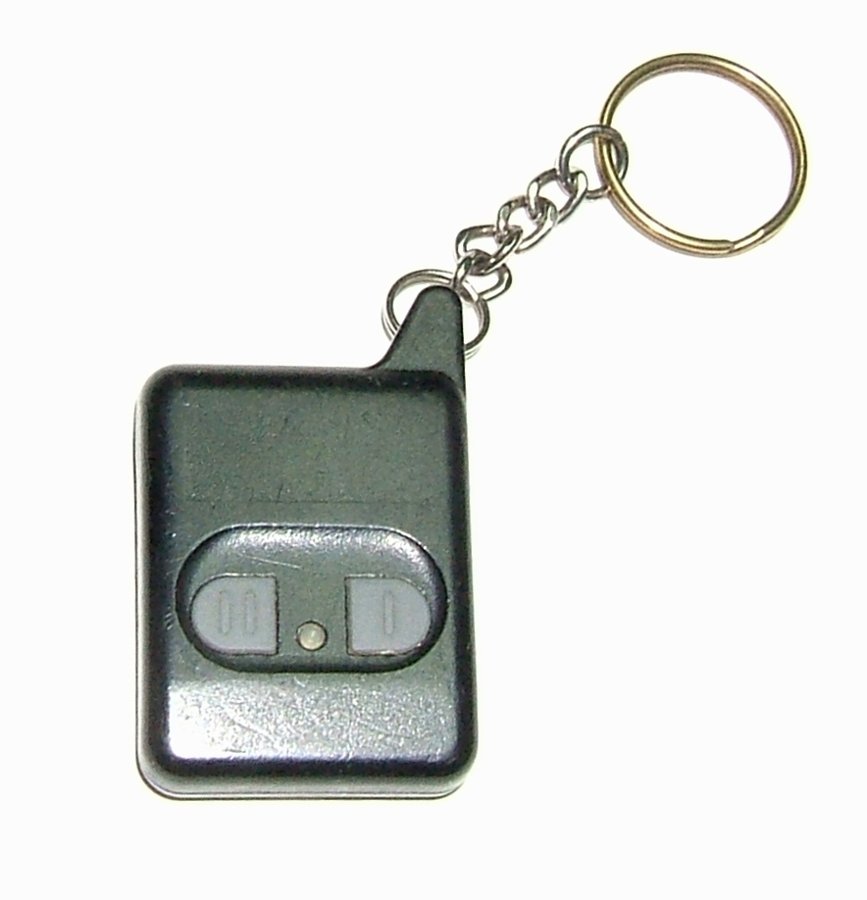
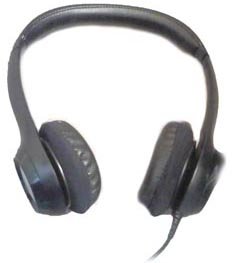
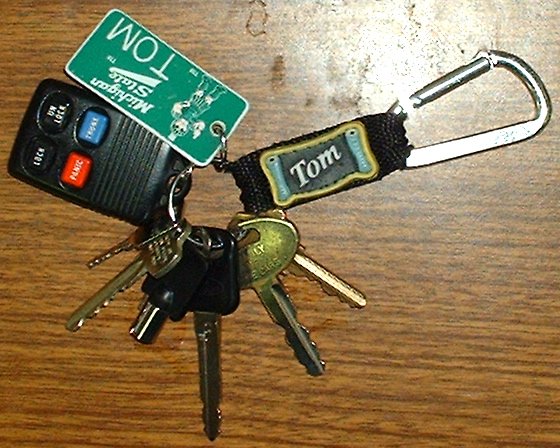
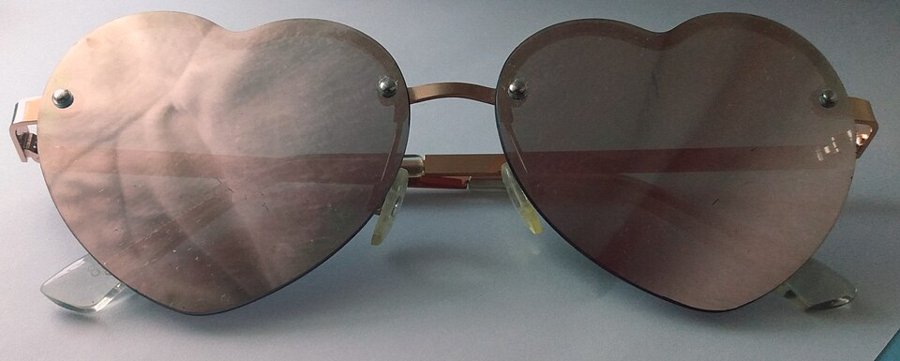
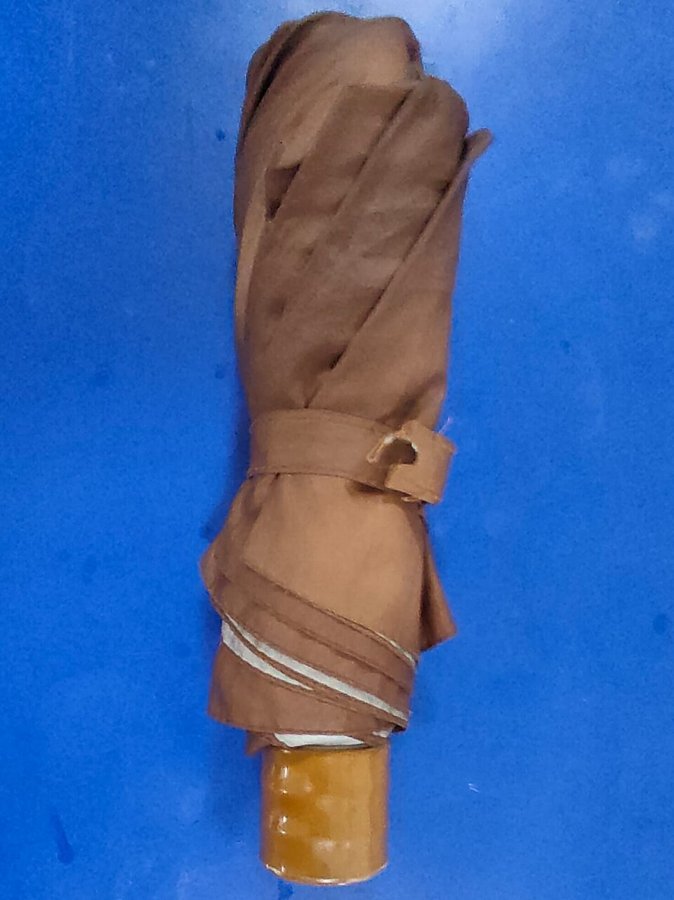
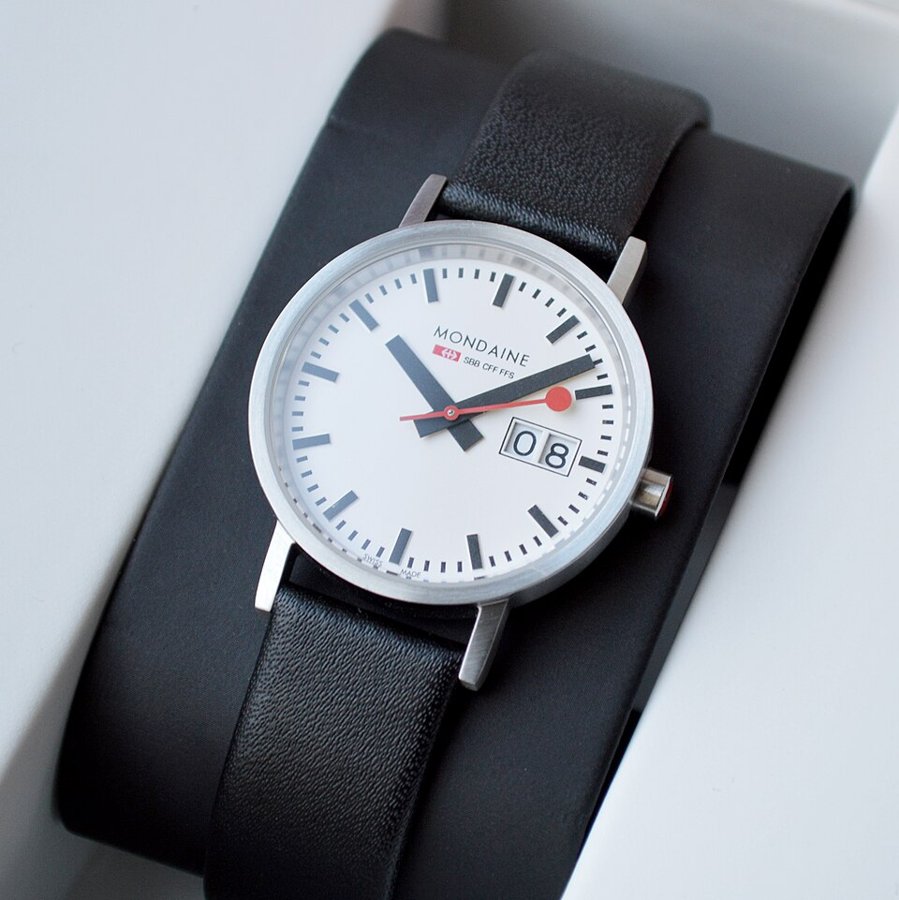
Photo credits
- Red and blue champion backpack.jpg — I AM GOING TO DRINK OCEAN WATER (CC0)
- Wenger backpack.jpg — Sir Tragedy (CC0)
- Metal Water Bottles.jpeg — Amraepowell (CC0)
- Baseball cap.jpg — TexasRebel (Public domain)
- Automobile remote keyless entry transmitter.jpg — Chetvorno (CC0)
- Headphones on white background.jpg — Sprinno (CC0)
- Key ring full.jpg — User:Tmorrisey (Public domain)
- Heart sunglasses, front view.jpg — ShyAndroid (CC0)
- Folded Umbrella.jpg — Swethasakthivel (CC0)
- Mondaine Classic A669.30008.16SBO watch.jpg — DimiTalen (CC0)


